The snagging report — what you actually get
A snagging report is the photographic PDF produced by your inspection. Ours logs every defect room by room, grades it, references it against NHBC and NHQB standards, and lands in your inbox within 48 hours — ready to forward straight to your developer.
What’s inside a professional snagging report
Every report follows the same structure, so you always know where to look and the developer always knows what they’re being asked to fix.
1. Property summary
Address, plot number, developer, warranty provider, inspection date and the stage of purchase — so the report stands on its own when the site manager reads it.
2. Room-by-room defect log
Every defect listed by room with a reference number, a plain-English description and at least one dated photograph. Typically 100–300 items on a new build.
3. External and roof findings
Drone imagery of tiles, ridge, flashings, gutters and rendering — the areas a ladder inspection cannot reach and where expensive defects hide.
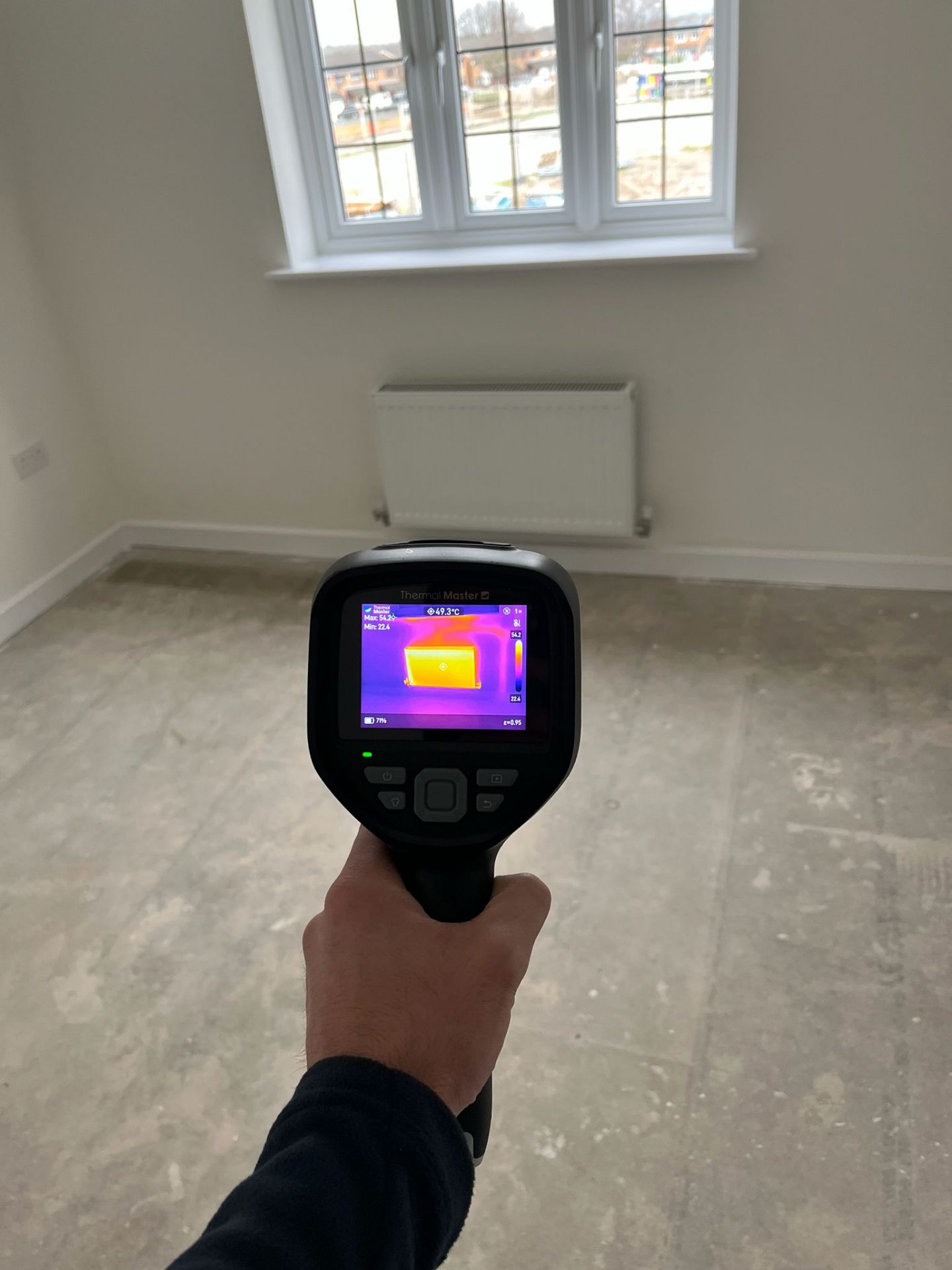
4. Thermal imaging results
Thermal images showing missing or slumped insulation, cold bridging, draughts and hidden pipework leaks that are invisible to the naked eye.
5. Standards referenced
Findings referenced against NHBC Standards and NHQB guidance where they apply, so the developer cannot dismiss an item as 'within tolerance' without evidence.
6. Action summary
A prioritised list you can forward straight to the developer, plus guidance on deadlines and what to do if items are refused.
How defects are graded
Grading matters: it tells your site manager what has to be dealt with this week and what can wait for the end-of-year visit.
High
Safety, structural or weatherproofing issues. Must be raised with the developer immediately.
Medium
Defects affecting function or long-term performance — heating, drainage, sealing, roof detail.
Low
Finish and cosmetic items: paintwork, tiling, joinery, scratches, poor sealant lines.
See a real sample report
Have a look at an example inspection report before you book, so you know exactly what lands in your inbox — photographs, graded defects, drone and thermal findings.
How to use your report with the developer
- 1. Send it in writing. Email the PDF to your site manager and the customer care team on the same thread. The email date becomes your record of when the defects were reported.
- 2. Ask for a written schedule. Request dates for each item rather than a general promise to “get it sorted”.
- 3. Track what’s closed. Use the reference numbers in the report so nothing is quietly dropped.
- 4. Escalate if needed. If items are refused, the report gives your warranty provider and the New Homes Ombudsman clear, dated evidence to work from.
Related reading: the complete guide to new build snagging, what a survey costs and our free snagging list.
Snagging report FAQs
What does a snagging report look like?
It's a photographic PDF, usually 40–120 pages. Each defect has a reference number, the room it's in, a written description, a severity grade and dated photographs. Drone and thermal images are included in their own sections.
How long does a snagging report take?
Your report is emailed within 48 hours of the inspection, so you have it well before any developer deadline.
Can I send the snagging report to my builder?
Yes — the report is written to be forwarded. Send the PDF to your site manager or customer care team in writing and keep the email as a dated record of when you reported the defects.
Does the developer have to fix everything in the report?
Developers must put right defects that fall short of NHBC Standards or the NHQB New Homes Quality Code within the warranty period. A referenced, photographic report is the strongest way to hold them to that.
Is a snagging report the same as a survey?
The snagging survey is the inspection itself; the snagging report is the document it produces. One fixed price covers both.
How are defects graded in an AS Pro Snag report?
Every item is graded High, Medium or Low. High covers safety, structural or weatherproofing faults to raise with the developer immediately; Medium covers defects affecting function or long-term performance such as heating, drainage, sealing and roof detail; Low covers finish and cosmetic items like paintwork, tiling and sealant lines.
Which items must the developer fix?
Anything falling short of NHBC Standards or the NHQB New Homes Quality Code must be put right free of charge within the warranty period. AS Pro Snag references findings against those standards, so High and Medium items in particular are difficult for a developer to dismiss as within tolerance.
Can I see a sample snagging report before booking?
Yes. A real AS Pro Snag report, with the customer's details removed, is available to download from this page so you can see the grading, photographs and layout before you book.
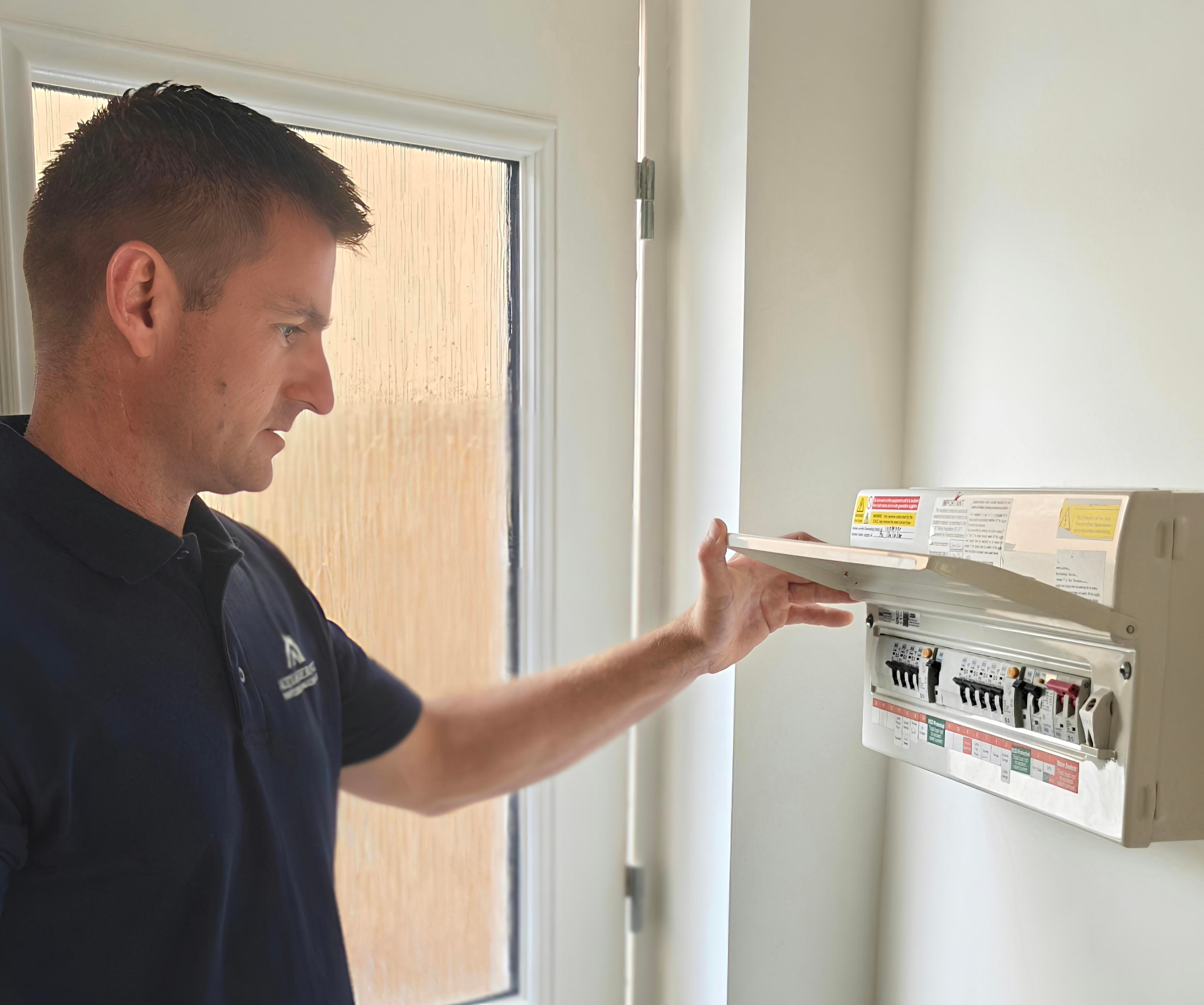
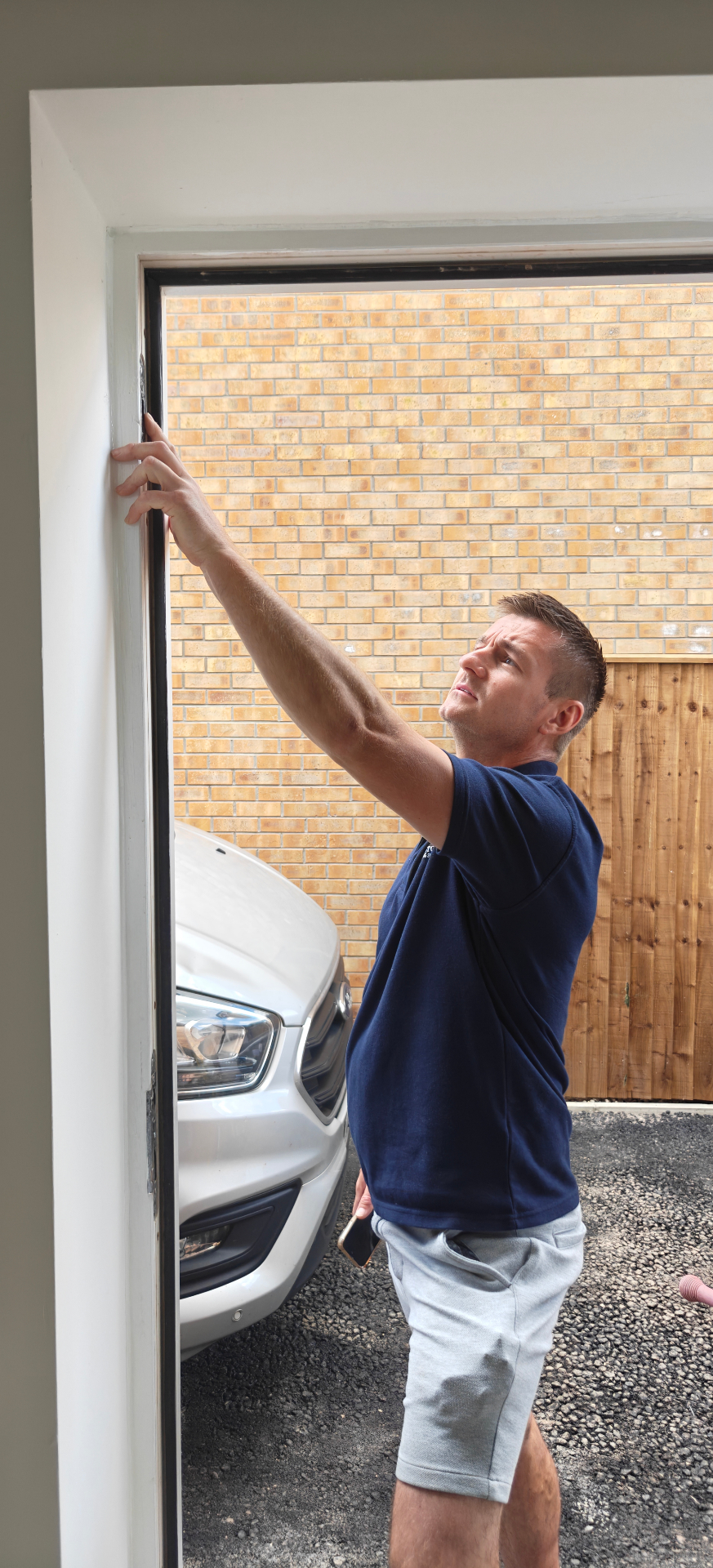
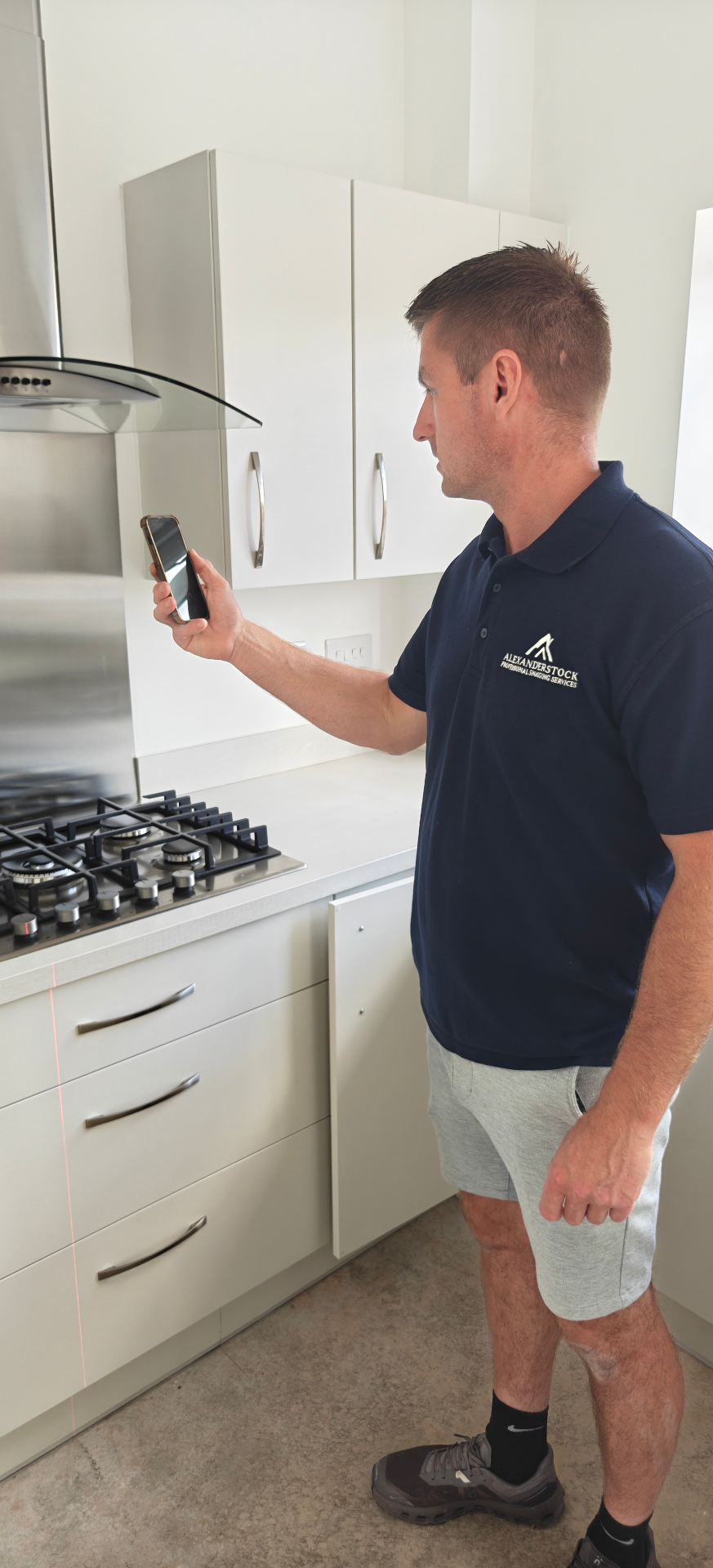
The photographs behind the report
Every defect in your report is backed by clear on-site photography, including drone and thermal imagery.